MiniMetrics
A desktop widget app for Windows that keeps live CPU and GPU readouts and a clock floating on your screen, built with Avalonia on .NET 10.
- C#
- .NET 10
- Avalonia
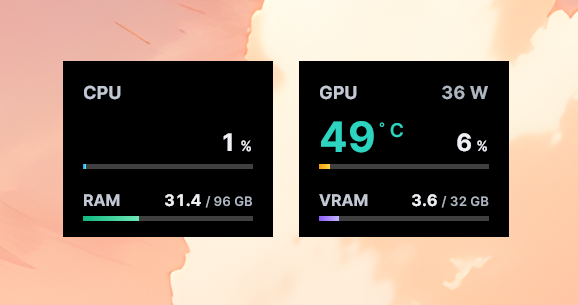
MiniMetrics is a set of floating desktop widgets for Windows that keep live performance metrics and a clock always within view. The CPU and GPU widgets show readouts such as temperature, usage, power, and RAM/VRAM, drawn from LibreHardwareMonitor, with temperature color coding and configurable thresholds. Each widget stays on top, snaps flush to screen edges and to its neighbors, and remembers its position and visibility between sessions.
Built with Avalonia on .NET
The app is written in C# on .NET 10 using the Avalonia UI toolkit, with CommunityToolkit.Mvvm for the MVVM layer. Packaging and in-app updates run through Velopack, so every build installs one-click and updates itself in place. For full hardware sensor access the app requests elevation only when those metrics are enabled, rather than running elevated all the time.
Live metrics in light and dark
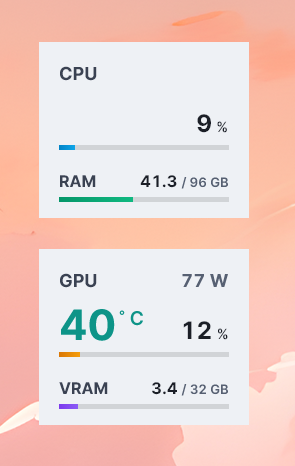
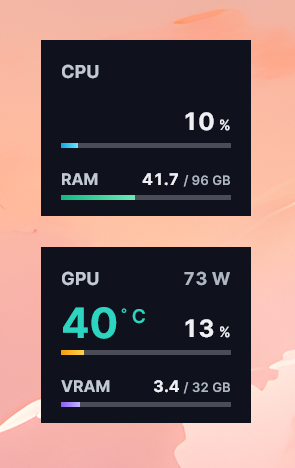
The CPU and GPU widgets adapt to the active color scheme, with per-metric visibility toggles so you only show what you care about:
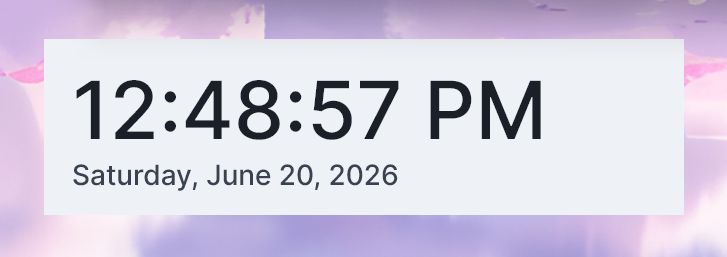
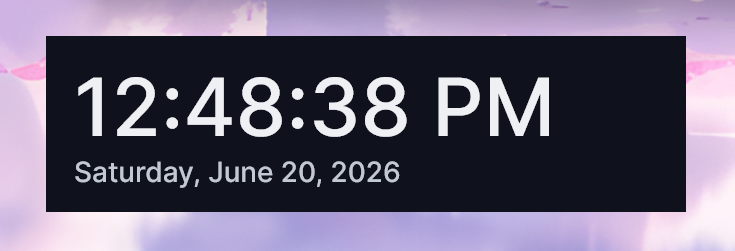
A configurable clock
The date and time widget supports time zone and locale selection, custom date and time format strings, and left, center, or right alignment:
Settings
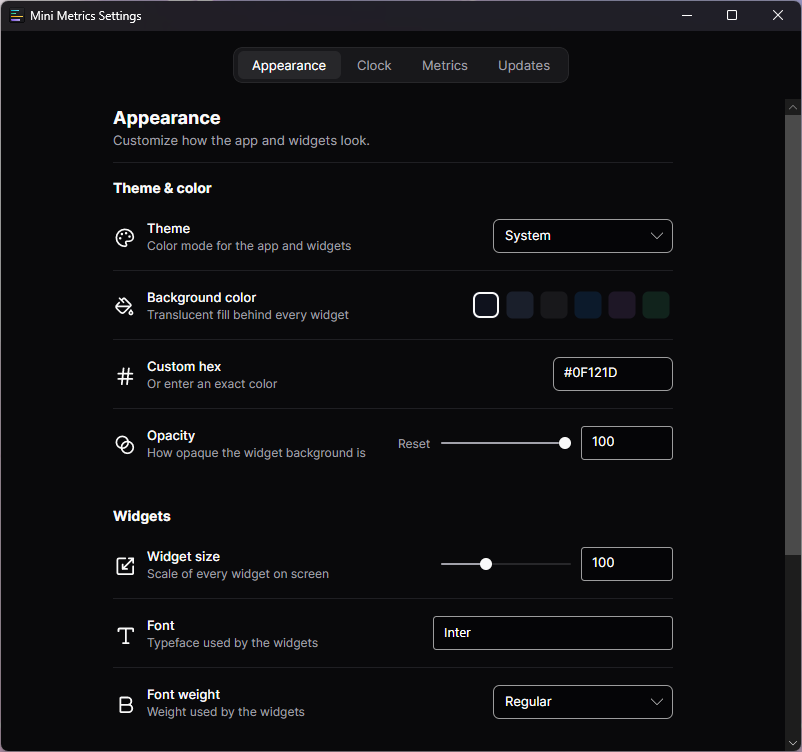
Everything is configurable from a single settings window: themes, background color and opacity, widget size, font family and weight, compact layouts, edge snapping, and run at Windows startup. Per-option restore buttons let any single setting be reset without touching the rest.